Camera & Movement Controls
November 5, 2007 · 57 views · 2 comments
Nearby In Time
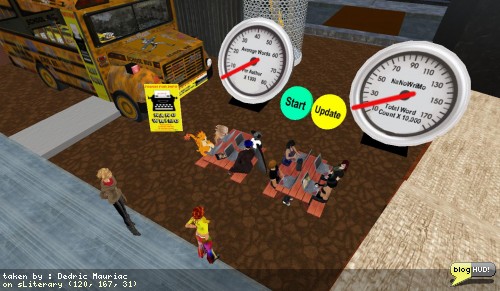 Literary Support Race
November 4, 2007
Literary Support Race
November 4, 2007
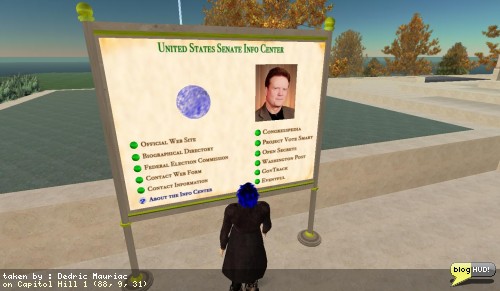 US Senate Directory
November 4, 2007
US Senate Directory
November 4, 2007
 Embassy of Sweeden in Second Life
November 4, 2007
Embassy of Sweeden in Second Life
November 4, 2007
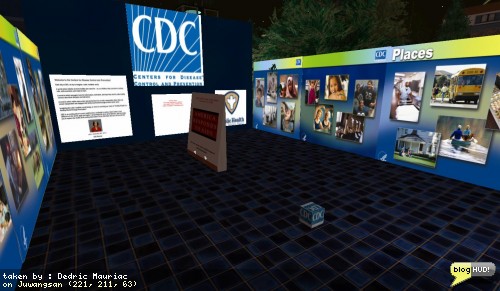 Center for Disease Control
November 4, 2007
Center for Disease Control
November 4, 2007
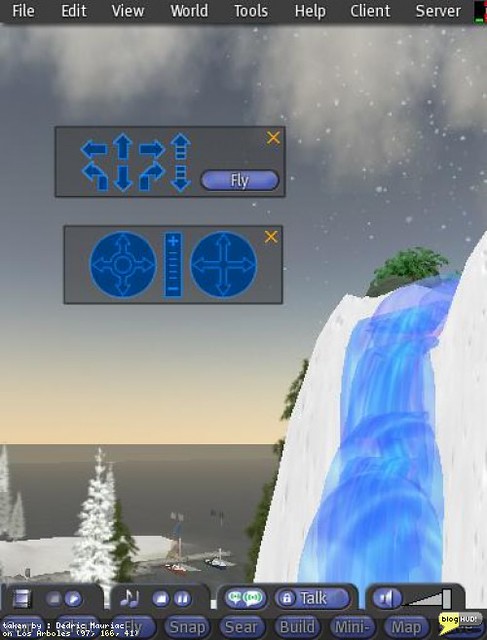 Camera & Movement Controls
November 5, 2007
Camera & Movement Controls
November 5, 2007
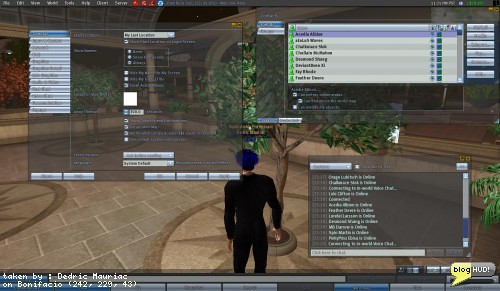 Dazzle Me
November 5, 2007
Dazzle Me
November 5, 2007
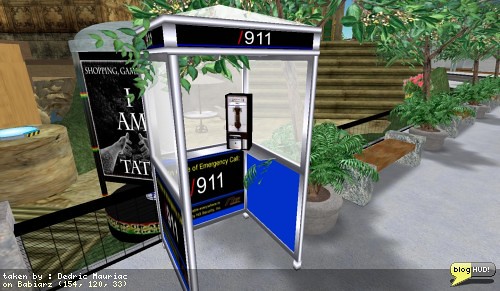 In case of emergency, call /911
November 6, 2007
In case of emergency, call /911
November 6, 2007
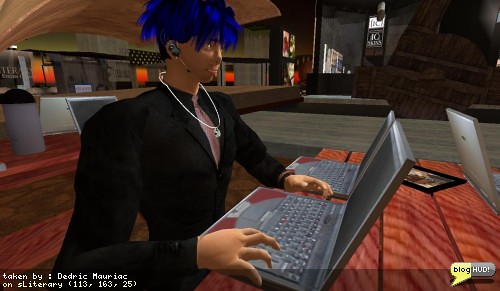 NaNoWriMo Continued
November 7, 2007
NaNoWriMo Continued
November 7, 2007
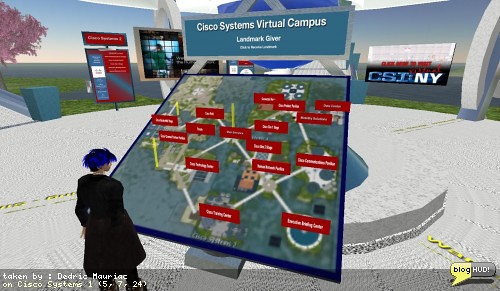 Cisco Systems Virtual Campus
November 8, 2007
Cisco Systems Virtual Campus
November 8, 2007
About
I had been talking to a Razzap Snookums about helping new residents to second life. I've been having some difficulty helping a few new people find there way around with movment and camera controls. Moving your avatar around is the fundamental basics behind just about any virtual world. Some people who have come to Second Life have never experienced a 3D environment before and find it confusing in general. Razzap reminded me of the Camera and Movement HUD controls. I had used these myself when I first started my Second Life and forgotten all about them. You can find these controls under your view menu and click on the arrows to move your avatar or the camera position. From Dedric Mauriac via blogHUD.com
Permalink
Permalink